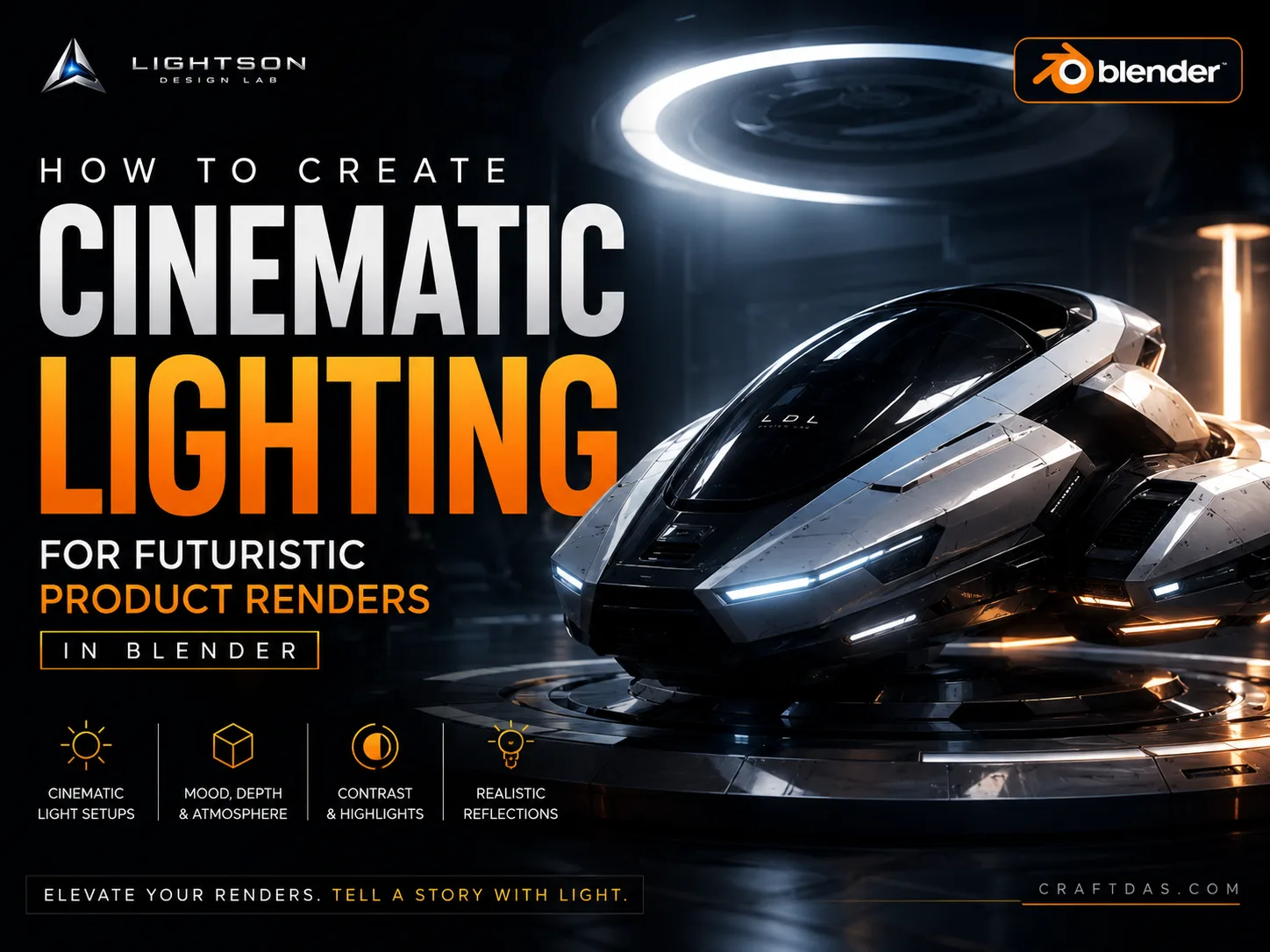

Lighting is the single most reliable indicator of creative maturity in futuristic visualization. Before a viewer registers the modeling, before they process the materials, before they consciously evaluate the composition—they feel the light. And in that fraction of a second, they have already decided whether this image belongs to the premium category or the amateur one.
This article is not a tour of Blender's lamp types. It is not a guide to HDRI workflows. It is an argument for cinematic lighting in Blender as a creative discipline—a way of thinking about light as a narrative force, a status signal, and a sculptural tool. If you have been lighting your futuristic product renders with an environment texture and a prayer, what follows will fundamentally reorganize your approach.
At Craftdas, we treat lighting as the foundation of visual authority. You can model with precision, texture with obsession, and compose with care—and still produce an image that feels flat, cheap, or anonymous if the lighting is not resolved. The reverse is also true. A simple model, expertly lit, can feel more premium than an elaborate model bathed in generic illumination. This asymmetry is what makes lighting the highest-leverage skill in futuristic rendering.
What Cinematic Lighting Actually Means
The word "cinematic" has been stretched thin in design conversations. It is often used to mean "dramatic" or "dark" or "has a rim light." None of these are accurate. Cinematic lighting is lighting that serves a visual narrative. It is lighting that makes an argument about what the viewer should feel, where they should look, and what matters in the frame.
In film, lighting is never neutral. A cinematographer does not walk onto a set and ask, "How can I make everything visible?" They ask, "What is the emotional temperature of this scene, and how can light reinforce it?" The same discipline applies to premium futuristic product visualization. Every light source in your Blender scene should have a reason to exist beyond making the subject visible. If you cannot articulate what a light is doing—sculpting form, creating separation, establishing mood, implying a world—it probably should not be there.
Cinematic lighting also implies intentional imperfection. Real light behaves with subtle inconsistency. It falls off. It scatters. It picks up color from surfaces. It creates shadows that are not perfectly black. The premium lighting artist understands these behaviors and uses them. The amateur fights against them by lighting everything evenly and eliminating all shadow. The result is visibility without atmosphere—legible, but emotionally empty.
Understanding this distinction is the prerequisite for everything that follows. Premium futuristic visuals in Blender begin with the recognition that light is not a utility. It is the primary emotional interface between the image and the viewer.
Lighting as a Status Signal
Products are lit differently depending on their market position. A luxury watch is not lit the same way as a budget smartwatch. A concept vehicle for a premium brand is not lit the same way as a generic automotive render. These differences are not arbitrary. They are conventions that audiences have internalized through decades of exposure to advertising, film, and editorial photography.
Premium lighting communicates status through several specific signals. The first is shadow confidence. Luxury lighting is not afraid of darkness. Deep, clean shadows imply that the product is important enough to be revealed gradually—that not everything needs to be visible at once. Budget lighting floods the subject with illumination, desperate to show every feature. The difference is immediately legible, even to viewers who cannot articulate it.
The second signal is light shaping precision. Premium lighting uses controlled sources—softboxes, reflectors, flags, and gobos—to place light exactly where it serves the product. The light has edges. It transitions deliberately from highlight to shadow. It wraps around curved surfaces in a way that reveals form. Cheap lighting is omnidirectional and uncontrolled. It comes from everywhere and therefore sculpts nothing.
The third signal is color temperature discipline. Premium lighting maintains a coherent color logic. If the key light is cool, the fill is cool or deliberately warm for contrast—but never random. The color of each light source implies something about the world the product inhabits. A warm key with a cool rim suggests a different environment than a neutral key with no color separation. These decisions are never accidental in premium work.
The fourth signal is reflection management. Futuristic products often feature glossy, metallic, or otherwise reflective surfaces. How those reflections are controlled—what they reflect, how bright they are, whether they clarify or obscure the surface—is a direct function of lighting design. Premium lighting manages reflections so they reveal form rather than distract from it. Amateur lighting often produces chaotic reflections that break the visual hierarchy of the image.
Building a Cinematic Lighting Rig in Blender
The default Blender lighting workflow—add an HDRI, maybe a sun lamp, adjust exposure, render—is insufficient for premium output. It produces images that are adequately lit but visually anonymous. Moving to cinematic lighting requires building a purpose-built rig where every light source serves a specific creative function.
The foundation of a cinematic rig is the key light. This is the primary light source, the one that establishes the direction, quality, and emotional temperature of the scene. In premium futuristic product visualization, the key light is typically a soft, directional source positioned to reveal the product's most important surfaces. It should create a clear highlight-to-shadow transition across the subject. If the key light does not produce shadows you find beautiful, adjust it until it does. Shadow beauty is a prerequisite for premium lighting.
In Blender, an area light is often the best starting point for a key. It produces soft, controllable shadows and its size, position, and intensity can be tuned precisely. Place it with intention. A key light positioned at a 45-degree angle to the subject, slightly above eye level, is a classic starting point—but only a starting point. The optimal position depends on the subject's geometry, the materials, and the emotional tone you are pursuing.
After the key comes the fill light. The fill's job is not to eliminate shadows. It is to control how deep those shadows become. In premium work, fill light is often subtle to the point of being barely perceptible. It lifts the shadows just enough to retain detail without flattening the image. A large, low-intensity area light or a softly reflected bounce surface can serve this function. If your fill light is visibly competing with your key, it is too strong.
The rim light or backlight is the third essential component. Its function is separation. It creates a highlight along the edge of the subject that distinguishes it from the background. In futuristic rendering, rim light carries extra weight because it can suggest advanced technology, precision manufacturing, or an environment beyond the frame. But it must be controlled. The classic amateur mistake is a rim light that is too bright, too wide, or applied uniformly around the entire subject. Premium rim lighting is selective. It catches specific edges for specific reasons.
Beyond these three, a cinematic rig may include accent lights—small, targeted sources that illuminate specific details, create specular highlights on key surfaces, or draw attention to branding elements. Accent lights are the finishing touches. They should be added last and sparingly. If every surface has an accent light, no surface has an accent light.
The HDRI Question
HDRI environments are powerful tools, and they have become the default lighting solution for many Blender artists. For premium futuristic visualization, this default is problematic. An HDRI provides ambient illumination and reflections, which are useful. But it also removes creative control. The light comes from everywhere. Shadows are generic. Reflections show whatever environment happened to be captured in the HDRI, not an environment designed for the product.
This does not mean HDRIs should be abandoned. It means they should be subordinated to the creative intent. A controlled workflow uses an HDRI for ambient fill and reflection content while building the primary lighting narrative with discrete, purpose-placed sources. In Blender, this can be achieved by reducing the HDRI strength, mixing it with a darker or neutral background, and allowing the key, fill, and rim lights to define the visual structure of the image.
An even more controlled approach is to replace the HDRI entirely with a designed lighting environment—large area lights for soft fill, dark cards or gobos to create negative reflections, and carefully placed reflective surfaces to shape what appears in glossy materials. This approach requires more setup time but produces images with unmistakable creative signature. The reflections in a glossy product surface tell a story, and premium work ensures that story is coherent.
For those pursuing realistic futuristic renders in Blender, the lighting environment is especially critical. Realism is not about raw illumination. It is about the subtle interplay of direct light, bounce light, occluded light, and reflected light—all behaving consistently with a believable world. This consistency is impossible to achieve with an HDRI alone.
Light Quality and Shadow Design
Light quality—the hardness or softness of shadows—is determined by the apparent size of the light source relative to the subject. A small source produces hard shadows with sharp edges. A large source produces soft shadows with gradual transitions. Neither is inherently premium or amateur. The question is whether the shadow quality serves the image.
For most futuristic product visualization, soft shadows are the default premium choice. They evoke the lighting of high-end studios, where large diffused sources wrap light around the subject. They reveal surface curvature gently. They feel deliberate and controlled. Hard shadows can be used for dramatic effect—to suggest harsh sunlight, stark industrial environments, or high-contrast storytelling—but they require careful handling. Hard shadows amplify surface imperfections and can make even well-modeled objects feel harsh or unfinished.
In Blender, shadow softness is primarily controlled by the size of area lights and the distance between the light and the subject. Larger lights and closer distances produce softer shadows. But softness also interacts with shadow density—how dark the shadows become. Premium lighting often uses slightly lifted shadows, achieved through fill light or ambient illumination, to retain detail in darker areas without making them feel artificially bright.
Another dimension of shadow design is shadow color. Real shadows are not purely black. They pick up color from ambient light, bounce light from nearby surfaces, and atmospheric scattering. In Blender, allowing shadows to have subtle color variation—cool shadows from a blue sky contribution, warm shadows from bounced light off a warm surface—adds a layer of realism and sophistication. Pure black shadows, unless deliberately stylized, read as CG artifacts rather than creative choices.
Light Temperature and Emotional Tone
Color temperature is one of the most underutilized tools in futuristic visualization. Many artists set their lights to a neutral white and never revisit the decision. This produces images that are technically correct and emotionally inert. Premium lighting uses color temperature to reinforce the story the image is telling.
Cool light—higher color temperatures, blue-shifted—suggests clinical precision, advanced technology, sterility, or cold environments. It is the default for many futuristic renders because it feels "sci-fi." But used without contrast, it can become monotonous. Warm light—lower color temperatures, amber-shifted—suggests luxury, human comfort, or organic warmth. It is less common in futuristic work, which makes it a powerful differentiator when used with intention.
The most sophisticated lighting often combines temperatures deliberately. A cool key light with a warm rim creates tension between technological and human. A warm key with cool ambient fill suggests a habitable interior within a harsh exterior environment. These combinations are not decorative—they are narrative. They imply a world with multiple light sources, each with its own origin and meaning.
In Blender, color temperature control is straightforward—the Blackbody node in the shader editor converts temperature in Kelvin to RGB color. But precision matters. A 5500K key light (daylight neutral) creates a very different feeling than a 6500K key (overcast cool) or a 3200K key (tungsten warm). The difference between 5500K and 5600K may be imperceptible. The difference between 5500K and 4000K is a creative statement.
When building luxury sci-fi materials in Blender, light temperature becomes doubly important because material appearance changes dramatically under different color temperatures. A metallic surface that looks premium under neutral light may look harsh under cool light or muddy under warm light. Testing materials under the scene's actual lighting conditions is essential—materials developed in isolation rarely survive contact with the full lighting rig.
Managing Reflections Through Lighting
Futuristic product renders frequently feature highly reflective surfaces—polished metals, glossy composites, glass, and coated finishes. These surfaces do not simply receive light. They reveal the entire lighting environment. Managing what those surfaces reflect is one of the most demanding aspects of premium lighting.
The principle is simple but challenging in practice: reflections should clarify form, not obscure it. A well-lit glossy surface shows a gradual transition from highlight to dark reflection that reveals the curvature of the object. A poorly lit glossy surface shows chaotic reflections—the HDRI's bright spots, the room's unintended light sources, the artist's own workspace—that break the visual reading of the form.
In Blender, controlling reflections requires thinking about what the surface "sees." Large, soft light sources create broad, readable highlights on glossy surfaces. Small, hard sources create sharp specular dots that can look like mistakes. Dark areas—negative fill, black cards, or simply the absence of light—are just as important as bright areas. They create the contrast that makes highlights readable.
For products with complex curvature, light painting—placing light sources specifically to create highlight lines that follow the geometry—is an advanced technique worth mastering. It involves positioning lights so their reflections trace the product's contours, revealing its shape through the reflection pattern. This is how automotive photographers make car bodies look sculptural, and it applies directly to futuristic product work.
Lighting for Different Product Types
Different futuristic products demand different lighting approaches. A handheld device, a vehicle, a wearable, and an architectural interior each present unique challenges and opportunities for cinematic lighting.
Small products—devices, wearables, tools—benefit from close, soft lighting that reveals surface texture and material quality. The light sources are often large relative to the subject, producing gentle shadow transitions. Macro-scale details like edge chamfers, material transitions, and surface finish become the visual heroes, and the lighting must support them. A single well-placed soft key, subtle fill, and a precise rim for edge definition is often sufficient. Complexity should come from the quality of the shadows and reflections, not from the number of light sources.
Vehicles and large products present a different challenge. Their scale means that a single key light may not cover the entire subject gracefully. Multiple keys may be needed, each covering a zone of the vehicle, stitched together so the transitions are invisible. This is how real automotive photography works—enormous softboxes and reflectors positioned to create continuous highlight lines along the body. Future mobility concepts in Blender demand this level of lighting sophistication because vehicles are judged by their surface continuity. Inconsistent lighting that breaks the highlight flow makes the surface feel lumpy or unresolved, even if the modeling is flawless.
Environments and contextual scenes add another layer. When the product exists within a designed environment, the lighting must unify subject and context. The light that hits the product should feel like it comes from the same world as the light that hits the floor, walls, and background elements. This means using the same light sources for both, with adjustments for distance and occlusion. An environment lit with a warm interior glow while the product is lit with a cool studio key creates a cognitive dissonance that breaks the premium illusion.
Post-Processing and the Lighting Finish
Lighting does not end at the render button. The raw render is raw material. Post-processing is where the lighting vision is completed, refined, and elevated to its final form. In premium futuristic visualization, post-processing is not about rescuing bad lighting. It is about enhancing lighting that is already strong.
The most important post-processing adjustment for lighting is tonal grading—the global adjustment of contrast, exposure, and color balance. A subtle S-curve in the compositor can deepen shadows and brighten highlights without losing detail. A slight warm or cool shift can reinforce the emotional temperature established by the lighting rig. These adjustments are small but significant. The difference between a flat-looking render and a premium one often lives in these final tonal refinements.
Bloom and glare are seductive and dangerous. When used with extreme restraint, a subtle bloom on the brightest highlights can add a cinematic softness that feels organic and premium. When overused, bloom turns the entire image into a hazy mess that signals amateur work instantly. The rule of thumb: if bloom is noticeable, it is too strong. It should be felt, not seen.
Vignetting—darkening the edges of the frame—is another tool that requires restraint. A subtle vignette can focus attention on the subject and add a cinematic frame-within-a-frame quality. A heavy vignette looks like an Instagram filter. The premium approach is to vignette just enough that the eye is guided toward the subject without consciously registering the darkening.
For those building a complete luxury product visualization workflow, post-processing should be treated as a defined phase with clear objectives, not an open-ended experiment. Know what you want to achieve before you open the compositor. Compare against reference. Step away and return with fresh eyes. The goal is not transformation. The goal is completion.
The Discipline of Subtraction
The hardest lesson in cinematic lighting is also the most important: subtraction is more powerful than addition. The impulse to add another light, to fill that shadow, to brighten that corner, to add a rim to that edge—this impulse is the enemy of premium work. Every light you add makes the image more complex to read and harder to control. The best-lit futuristic renders often use remarkably few light sources. Each one earns its place.
Before adding a light, ask what would happen if you removed one instead. Does the image fall apart, or does it become stronger and clearer? A common exercise among experienced lighting artists is to disable lights one by one and evaluate the result. Often, a light that seemed essential proves to be clutter. The image improves when it is removed. This is not a failure of the light. It is the discovery that less is more—a discovery that must be made repeatedly because the temptation to add is constant.
Subtraction applies to intensity as well as quantity. A light that is barely perceptible can be more effective than one that announces itself. Rim lights at 5% of the intensity you initially set. Fill lights that just lift the shadow value by a few percent. Accent lights that create a whisper of highlight rather than a shout. Premium lighting is often quiet. It does not demand attention. It rewards attention.
This discipline is what ultimately separates cheap-looking futuristic renders from premium ones. Cheap lighting tries to impress. Premium lighting tries to reveal. The difference is in the intention, and the intention is visible in every shadow, every highlight, and every deliberate absence of light.
A Practical Framework for Lighting Decisions
The principles in this article can be synthesized into a practical decision framework—a sequence of questions to ask yourself as you build a lighting rig for any futuristic product render. This framework is not a recipe. It is a way of thinking that produces consistent, premium results.
Question 1: What is the emotional tone of this image? Define it in words before you place a single light. Clinical and precise? Warm and aspirational? Cold and dramatic? The answer determines your color temperature strategy, your contrast approach, and your shadow behavior.
Question 2: What is the hero surface or feature? Identify the single most important visual element in the frame. Your key light should favor this element. Your highlights should lead the eye toward it. Your shadows should retreat from it. Everything in the lighting rig serves this priority.
Question 3: Where does the light come from in the world of this image? Even if the world is abstract or minimal, the light should feel like it has a source—a window, a sky, an environment beyond the frame. This consistency creates believability. Lights that come from nowhere produce images that feel like nowhere.
Question 4: Does each light have a specific, articulable job? If you cannot name what a light is doing, remove it. "It adds atmosphere" is not specific enough. "It creates separation between the product's right edge and the dark background" is specific. Specificity enforces discipline.
Question 5: Are the shadows as beautiful as the highlights? Evaluate your shadows independently. Do they have shape, depth, and color? Do they contribute to the composition? If the shadows are dead black voids, your lighting is incomplete. If they are filled to invisibility, your lighting is flat.
Question 6: What do the reflections reveal? Check every glossy and metallic surface. Are the reflections readable and form-revealing, or chaotic and distracting? Adjust your light positions and sizes until the reflections serve the product rather than competing with it.
Question 7: Can anything be removed? Go through each light and disable it. Evaluate the result honestly. If the image holds together without it, leave it out. The goal is the minimum number of lights that fully serve the image's intent.
Working through these questions systematically—on every project, without skipping—builds the lighting judgment that eventually becomes instinct. It is the path from lighting that is technically adequate to lighting that is unmistakably premium.
Conclusion: Light as Creative Signature
Cinematic lighting is not a technique you apply. It is a way of seeing that you develop. The artists whose futuristic product renders command attention and command fees are not using secret Blender settings or exclusive add-ons. They are making better lighting decisions—more intentional, more restrained, more narrative-driven—than their peers.
This article has laid out the principles: lighting as a status signal, the cinematic rig structure, the HDRI question, shadow design, color temperature, reflection management, product-specific approaches, post-processing discipline, and the framework for decision-making. But principles are only as valuable as their application. The real work is in the thousands of small judgments made while positioning a key light, adjusting a fill level, or deciding that a particular shadow should be deeper.
What makes this work rewarding is that lighting is a creative signature. Two artists can light the same model, and the results will be as different as two photographs of the same subject by different photographers. Your lighting decisions—how soft, how warm, how contrasty, how shadowed, how reflective—are your visual voice. Developing that voice requires study, practice, and honest self-criticism. But it is the single most powerful way to elevate your futuristic renders from competent to authoritative.
Return to our pillar guide on premium futuristic visuals in Blender to understand how cinematic lighting integrates with the broader pursuit of visual authority. Continue to our composition guide to learn how lighting and composition work together as the twin foundations of premium image-making. And explore cinematic camera settings to complete the visual toolkit that transforms a Blender scene into a premium futuristic statement.
The light is yours to shape. Make it intentional.