The Digital Reality Creatives Must Understand
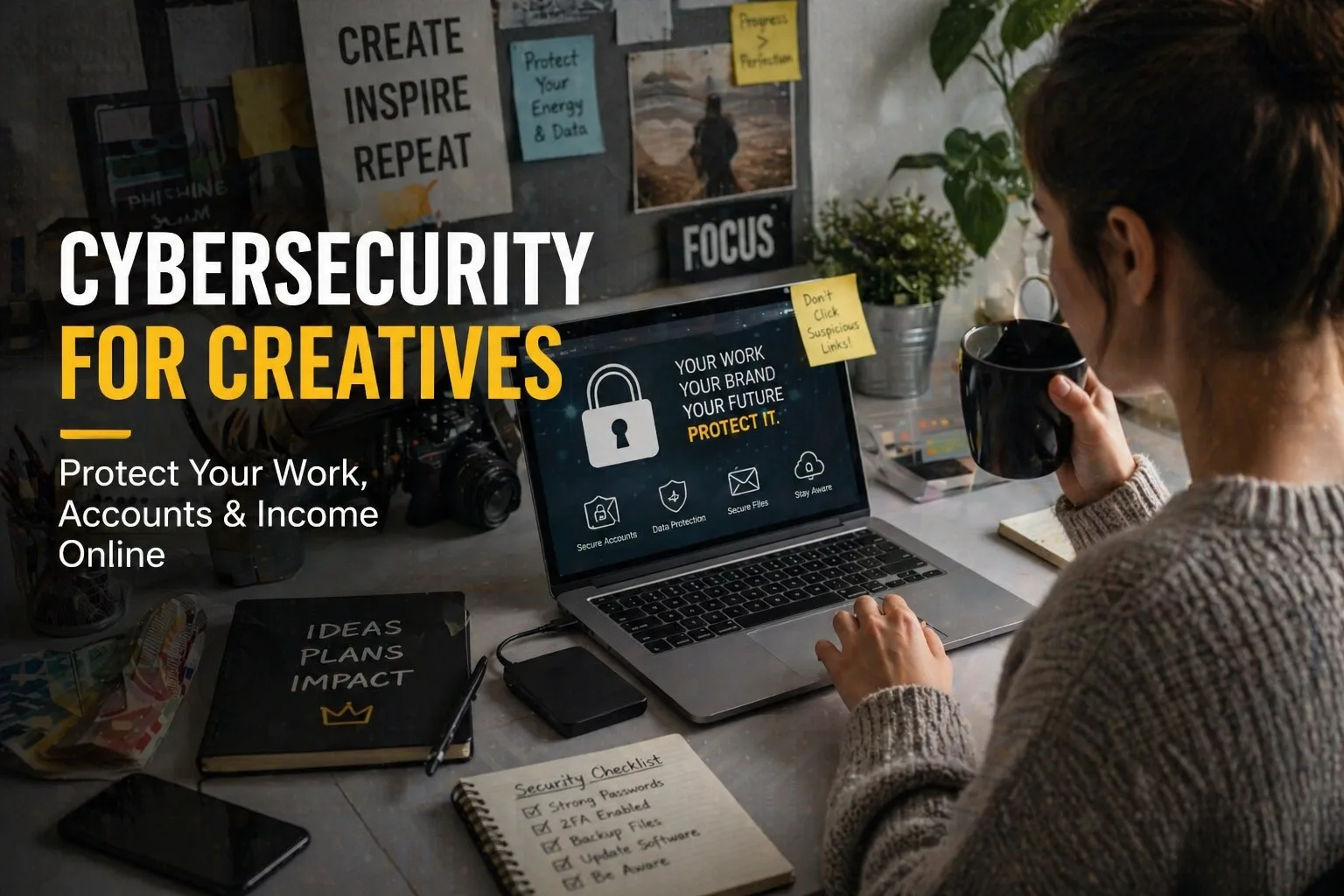
Before diving into tools and techniques, it’s important to understand the environment you operate in as a creative. Today, your entire career can exist online—your portfolio, client communication, payments, and even your reputation. Platforms like Upwork, Fiverr, and social media channels have made it easier than ever to build a global presence. But that same accessibility also creates exposure.
Unlike traditional jobs where systems are protected by organizations, creatives often work independently. This means you are your own security system.
Every file you upload, every link you click, and every message you respond to carries a level of risk. Cybercriminals are not just targeting large corporations anymore—they actively target individuals who:
- Work remotely
- Handle payments online
- Share content publicly
- Communicate with unknown clients
In simple terms, if you’re a creative working online, you are already in the cybersecurity landscape—whether you realize it or not.
Where Most Creatives Get It Wrong
Many creatives assume cybersecurity is too technical or only necessary when something goes wrong. That mindset is exactly what attackers rely on. Here are some common mistakes:
- Using the same password across multiple platforms
- Trusting every “client” message or file
- Ignoring security settings on accounts
- Failing to back up important work
- Using unsecured public networks for sensitive tasks
These aren’t just small oversights—they are entry points for attacks. The truth is, cybersecurity isn’t about being perfect. It’s about being intentional and aware.
The Shift: From Creative to Secure Creative
To thrive in today’s digital space, being talented is no longer enough. You need to become a secure creative—someone who not only creates but also protects. This shift involves:
- Thinking before you click or download
- Treating your accounts like business assets
- Prioritizing data protection as part of your workflow
- Building trust with clients through secure practices
When you adopt this mindset, cybersecurity stops feeling like a burden and becomes a competitive advantage. Clients are more likely to trust and work with creatives who demonstrate professionalism—not just in their work, but in how they handle data and communication.
What This Means for Your Growth
Understanding cybersecurity early gives you an edge. It allows you to:
- Avoid costly mistakes
- Protect your income streams
- Build long-term credibility
- Scale your creative business with confidence
Key Cybersecurity Principles Every Creative Must Master
In this section, we’ll explore core cybersecurity principles designed specifically for creatives. Without diving into technical jargon, these guidelines are practical and achievable.
1. Strong Passwords and Management
Creating strong, unique passwords for each platform is essential. A strong password should:
- Be at least 12 characters long
- Include a mix of upper and lower case letters
- Contain numbers and special characters
Consider using a password manager to help keep track of your passwords securely. This tool can generate complex passwords that are hard to guess while making it easier for you to access your accounts without writing anything down.
2. Two-Factor Authentication (2FA)
Implementing 2FA adds an additional layer of security. With 2FA, even if a cybercriminal obtains your password, they will not be able to access your account without the second form of verification, usually a code sent to your mobile device or email.
3. Regular Backups
Backing up your work regularly is crucial. This can be done through cloud storage services or external hard drives. Set a schedule (daily, weekly, or monthly) based on your workflow to ensure that you never lose important data.
4. Secure Communication Practices
Be cautious about how you communicate with clients and partners. Use secure platforms for sharing files and avoid public Wi-Fi for sensitive discussions. Whenever possible, use encrypted communication methods to help protect your data.
5. Awareness of Phishing Attacks
Phishing attacks are increasingly common, where attackers impersonate legitimate entities to steal information. Be wary of unsolicited emails or messages asking for sensitive information. Always verify the sender before clicking links or downloading attachments.
6. Software Updates
Keeps your software, including your operating system, browsers, and applications, up-to-date. Software updates often include patches for security vulnerabilities that could be exploited by cybercriminals.
7. Secure Payment Methods
When handling transactions, utilize secure payment methods that offer protection for both you and your clients. Services like PayPal or secure bank transfers can help minimize the risks associated with online payments.
Creating a Cybersecurity-Centric Culture in Your Practice
To truly embody the secure creative mindset, consider how you can create a culture of cybersecurity in your practice:
1. Ongoing Education
Cybersecurity threats are constantly evolving. Stay informed about the latest trends and practices through workshops, online courses, or webinars focused on cybersecurity for creatives.
2. Establish Clear Protocols
If you work with collaborators or clients, establish clear protocols for handling data securely. Make sure everyone involved understands their role in protecting sensitive information.
3. Encourage Open Dialogues About Security
Communicate openly with your clients about your security practices. This not only enhances their trust in you but also shows that you prioritize both your work and theirs.
4. Implement Regular Security Audits
Periodically review your security measures to identify any weaknesses. Conduct audits of your accounts, backup processes, and communication practices to ensure they align with best practices.
Understanding Legal and Ethical Responsibilities
As a creative, it’s important to be aware of your legal and ethical responsibilities regarding data protection:
1. GDPR and Data Protection Regulations
If you operate in or serve clients in the European Union, familiarize yourself with the General Data Protection Regulation (GDPR) and other relevant data protection laws that govern how personal data should be handled.
2. Client Contracts
Ensure your contracts with clients include clauses that address data protection and confidentiality. This not only protects you legally but also builds trust with your clients.
3. Ethical Considerations
Consider the ethical implications of your work. Understanding how to handle sensitive information responsibly can enhance your credibility and reputation in the creative industry.
Conclusion: The Path Ahead for Secure Creatives
As the digital landscape continues to evolve, the need for secure practices in creativity will only become more essential. Embracing cybersecurity might seem daunting at first, but as you integrate these principles into your daily routine, you will empower yourself as a creative professional. Here’s a quick recap:
- Develop strong password practices
- Implement two-factor authentication
- Regularly back up your work
- Communicate securely
- Remain vigilant against phishing attacks
- Keep your software updated
- Utilize secure payment methods
- Engage in ongoing education
In doing so, you're not just protecting yourself; you're building a sustainable and trustworthy creative business that can thrive in a connected world.
In the following sections, we will continue to dive deep into specific tools and techniques that can further bolster your cybersecurity practices while ensuring that your creative expression remains unhindered.