
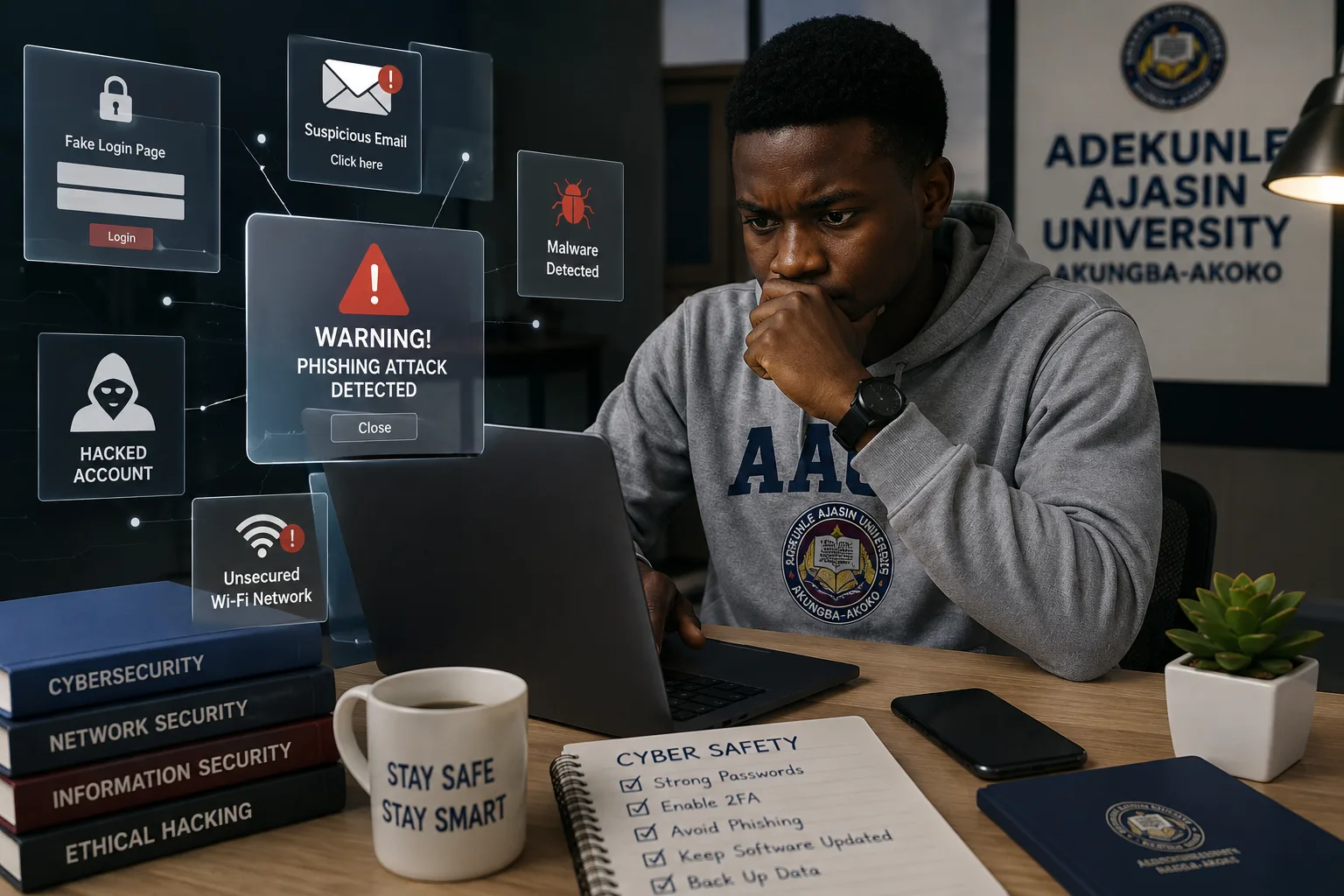

Common Cyber Threats Facing AAUA Students (And How to Avoid Them)
University life has become increasingly digital. From checking examination results and registering courses to communicating with lecturers and making online payments, students at Adekunle Ajasin University (AAUA) depend on technology every day. AAUA's ICT infrastructure supports services such as internet access, examination result processing, student support, and other digital platforms that are essential to academic life.
While these technologies make learning more convenient, they also create opportunities for cybercriminals to target students through scams, phishing attacks, fake login pages, and malware.
If you haven't already, begin with our Cybersecurity in AAUA: The Complete Guide to Staying Safe in Akungba-Akoko, where we explain the cybersecurity landscape affecting AAUA students. You should also read A Practical Cybersecurity Checklist for Every Student, which covers the everyday security habits every student should develop.
Why Are University Students Targeted?
Students are attractive targets because they:
- Spend many hours online.
- Use multiple social media platforms.
- Access online banking and payment services.
- Frequently connect to public Wi-Fi.
- Receive many emails and online notifications.
- Often download study materials and software.
Cybercriminals know that a single successful attack can expose personal information, financial details, and university accounts.
1. Phishing Scams
Phishing is one of the most common cyber threats affecting university students. Attackers send emails, SMS messages, or WhatsApp messages pretending to come from trusted organizations.
Examples include:
- Fake scholarship opportunities.
- Fake school announcements.
- Fake account verification requests.
- Messages claiming your account will be suspended.
Never click suspicious links without verifying the sender.
2. Fake Student Portal Login Pages
Cybercriminals sometimes create fake login pages that closely resemble legitimate university portals to steal usernames and passwords.
Always access AAUA services through the university's official website or official student portals instead of clicking links shared in random WhatsApp groups or social media posts. The official AVERS results portal uses secure authentication and password recovery features.
3. WhatsApp and Social Media Account Hijacking
Students often receive messages such as:
- "Vote for me."
- "You've won a giveaway."
- "Send me the verification code."
These messages may come from hacked accounts belonging to friends.
Never share verification codes or one-time passwords with anyone.
4. Public Wi-Fi Risks
Free internet access can be convenient, but public networks should always be treated carefully.
When using public Wi-Fi:
- Avoid online banking.
- Avoid entering sensitive passwords.
- Log out after using shared computers.
- Use trusted websites that begin with https://.
5. Malware from Pirated Software
Downloading cracked applications, games, or unofficial software can install malware on your device.
Malware may:
- Steal passwords.
- Monitor your activities.
- Delete important files.
- Slow down your computer.
Download software only from trusted and official sources.
6. Online Marketplace and Payment Scams
Students frequently buy and sell items online.
Be cautious of:
- Fake payment alerts.
- Sellers requesting upfront payments without proof.
- Unrealistically cheap products.
- Fake delivery agents.
Always verify transactions before sending money.
7. Identity Theft
Your personal information can be valuable to criminals.
Avoid sharing:
- Student ID details.
- Bank account information.
- National identification numbers.
- Password.
- Examination credentials.
Protect your privacy both online and offline.
8. Email Attacks
Your email account is often connected to your banking apps, university services, and social media accounts.
Protect it by:
- Using a strong password.
- Enabling multi-factor authentication.
- Ignoring suspicious attachments.
- Reviewing login activity regularly.
Warning Signs of a Cyber Attack
Watch out for these warning signs:
- Unexpected password reset emails.
- Login notifications from unfamiliar locations.
- Friends reporting strange messages from your account.
- Pop-up windows requesting personal information.
- Slow device performance after downloading unknown files.
If you notice any of these, change your passwords immediately and check your device for malware.
How to Stay Safe
Protect yourself by following these simple practices:
- Use strong, unique passwords.
- Enable multi-factor authentication.
- Keep your phone and laptop updated.
- Avoid suspicious links.
- Download apps only from official stores.
- Verify information before acting on it.
- Back up important files regularly.
For a complete step-by-step guide, read A Practical Cybersecurity Checklist for Every Student.
Frequently Asked Questions
Are AAUA students targets for cybercriminals?
Like students at many universities, AAUA students can be targeted by phishing scams, fake login pages, social engineering, malware, and online fraud because they rely heavily on digital services for academic and personal activities.
What should I do if I accidentally enter my password on a fake website?
Change your password immediately, enable multi-factor authentication if available, and check for unauthorized activity on your account.
Is public Wi-Fi safe?
Public Wi-Fi can be useful but should be treated with caution. Avoid using it for sensitive activities such as online banking unless you are using additional security measures.
Conclusion
Cybersecurity begins with awareness. Understanding the most common cyber threats is the first step toward protecting your academic records, finances, devices, and personal information.
By practising safe online habits and staying alert to new scams, you can significantly reduce your chances of becoming a victim of cybercrime during your time at AAUA.
Read Next: How to Stay Safe on Public Wi-Fi Around AAUA: A Student's Complete Guide
Previous Article: A Practical Cybersecurity Checklist for Every Student
Pillar Guide: Cybersecurity in AAUA: The Complete Guide to Staying Safe in Akungba-Akoko.
```
Comments
No comments yet. Start the conversation.