
A Practical Cybersecurity Checklist for Every AAUA Student
University life today depends heavily on technology. At Adekunle Ajasin University (AAUA), students use digital platforms for registration, course management, communication, research, online learning, banking, and social networking. While these technologies make academic life easier, they also create opportunities for cybercriminals to exploit unsuspecting users.
Whether you're a prospective student, a current AAUA student, or a resident of Akungba-Akoko, developing good cybersecurity habits is essential. This checklist provides practical steps you can follow to reduce your risk of phishing attacks, account compromise, identity theft, malware infections, and online fraud.
«Related guide: Start with our pillar article, Cybersecurity in AAUA: The Complete Guide to Staying Safe in Akungba-Akoko, to understand the broader cybersecurity landscape affecting students and the local community.
Why Cybersecurity Matters for AAUA Students
Students often underestimate the value of the information stored on their devices. Your student portal login, email account, bank details, assignments, personal photos, and social media profiles are valuable targets for cybercriminals.
Losing access to these accounts can lead to:
- Identity theft
- Financial fraud
- Loss of coursework
- Damaged online reputation
- Unauthorized access to academic records
Fortunately, many cyber incidents can be prevented by following simple security practices consistently.
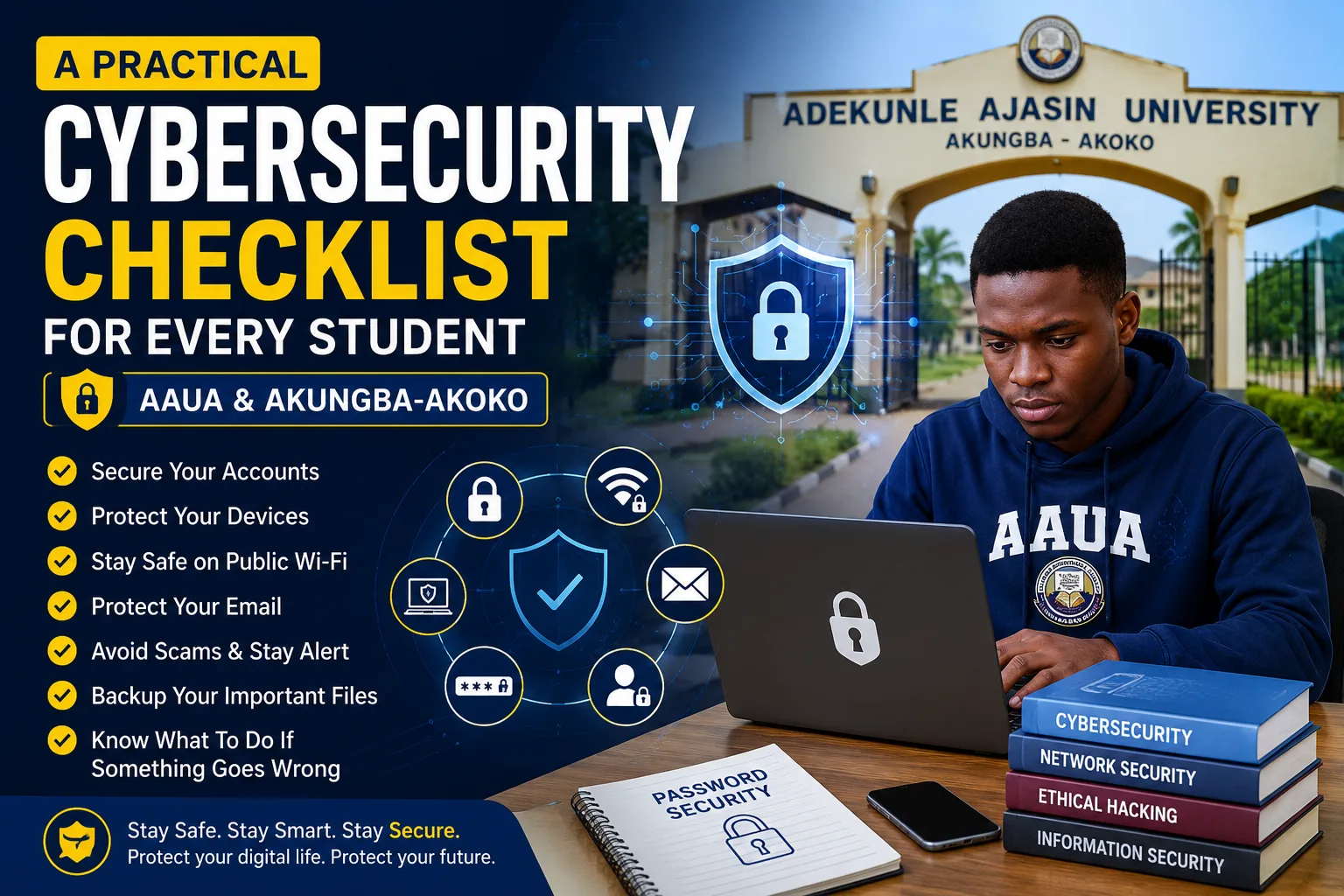
Your Practical Cybersecurity Checklist
1. Secure Your Accounts
- Use a different password for every important account.
- Create strong passwords with at least 12–16 characters.
- Use a reputable password manager instead of reusing passwords.
- Enable multi-factor authentication (MFA) wherever available.
- Never share your login credentials with friends.
2. Protect Your Devices
- Keep your phone and laptop updated.
- Install apps only from official stores.
- Enable screen lock with a PIN, fingerprint, or facial recognition.
- Turn on device tracking features such as "Find My Device."
- Use reputable antivirus software if you use Windows.
3. Stay Safe on Public Wi-Fi
Public Wi-Fi networks in cafés, hostels, and public spaces are convenient but can expose you to risks.
- Avoid online banking over public Wi-Fi.
- Use mobile data for sensitive transactions whenever possible.
- Disable automatic Wi-Fi connections.
- Log out after using shared computers.
Read next: How to Stay Safe on Public Wi-Fi Around AAUA.
4. Protect Your Email
Your email account is the gateway to many other services.
- Verify the sender before opening attachments.
- Be cautious of urgent requests asking for passwords or money.
- Report phishing emails instead of replying.
- Review your recovery email and phone number regularly.
5. Secure Your Student Portal
Treat your student portal account with the same care as your bank account.
- Never share your login details.
- Sign out when using public or shared computers.
- Monitor your account for unexpected changes.
- Use a unique password that you don't use anywhere else.
6. Stay Safe on Social Media
- Limit the personal information you share publicly.
- Review your privacy settings.
- Accept friend requests only from people you know.
- Enable login alerts for suspicious activity.
7. Protect Your Money
Students are frequent targets of financial scams.
- Never share your ATM PIN or one-time passwords (OTPs).
- Verify payment requests before sending money.
- Download banking apps only from official app stores.
- Monitor your account for unusual transactions.
8. Back Up Important Files
Assignments, research projects, and personal documents can be lost through device failure or malware.
- Back up files to secure cloud storage.
- Keep an additional copy on an external drive.
- Test your backups occasionally to ensure they can be restored.
9. Recognize Common Scams
Cybercriminals often exploit curiosity, urgency, and fear.
Watch out for:
- Fake scholarship opportunities
- Fake admission messages
- Investment scams
- Giveaway scams
- Phishing links
- Fake job offers
Always verify information through official channels before taking action.
10. Know What to Do After a Cyber Incident
If you think an account has been compromised:
- Change your password immediately.
- Enable or reset MFA.
- Sign out of all active sessions.
- Scan your device for malware.
- Contact your bank if financial information may have been exposed.
- Report issues affecting your student account to the university's ICT support.
Final Thoughts
Cybersecurity isn't just for IT professionals—it's a life skill for every student. By following this checklist, you can significantly reduce your exposure to common online threats while protecting your academic work, finances, and personal information.
Building secure digital habits today will benefit you throughout your university years and into your professional career.
Read Next:
Continue your cybersecurity journey with Cybersecurity in AAUA: The Complete Guide to Staying Safe in Akungba-Akoko, then explore our related articles on public Wi-Fi safety, student portal protection, cybersecurity careers, and the best free cybersecurity courses for AAUA students.
```
Comments
No comments yet. Start the conversation.